Sign in securely
Request a secure Vista Blue Connect sign-in link, open the correct email, and fix expired or unexpected access links.
Vista Blue Connect uses secure email links instead of passwords.
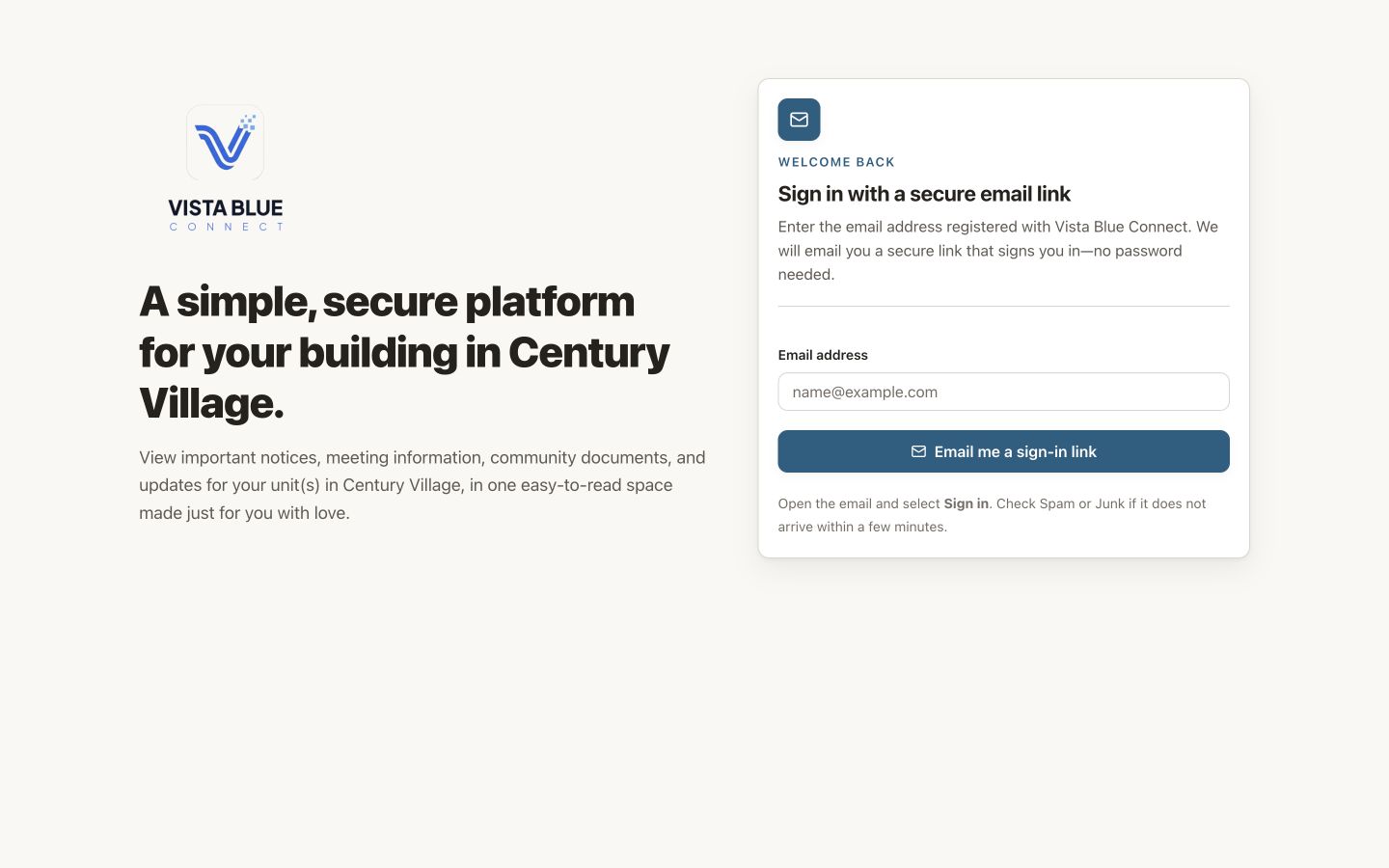
The sign-in page asks only for the email address registered with VBC.
Sign in
Open the sign-in page
Go to app.vistablueconnect.com.
Enter your email address
Use the address your association has on file. This must be the same address connected to your VBC access.
Open the newest email from VBC
Select Sign in to Vista Blue Connect. The link is personal, can be used once, and expires for security.
Return to the app
The link opens your VBC account in the browser. You can then continue to the Dashboard.
If the email does not arrive
- Check spam, junk, and filtered folders.
- Confirm that you entered the correct email address.
- Wait a minute, then request one new link.
- Use the newest message. An older link may no longer be valid.
- Ask your property manager or board to confirm the email attached to your building access.
If the link has expired or was already used
Return to the sign-in page and request a new one. Do not forward your sign-in email to another person.
Invitations
An invitation connects your email to one or more buildings. Open the invitation sent to that exact address. After you accept, future access uses the normal sign-in page.